SolidWorks for DAE Mechanical Beginners | 3D Modeling Guide
Step into 3D modeling with SolidWorks! This beginner’s guide helps DAE Mechanical students design assemblies, simulate parts, and enhance projects.
SolidWorks is one of the most widely used 3D CAD software in mechanical engineering. For DAE Mechanical students, learning SolidWorks is crucial for designing 3D parts, assemblies, and generating professional technical drawings. This guide explains SolidWorks for beginners in a simple, step-by-step manner.
What is SolidWorks?
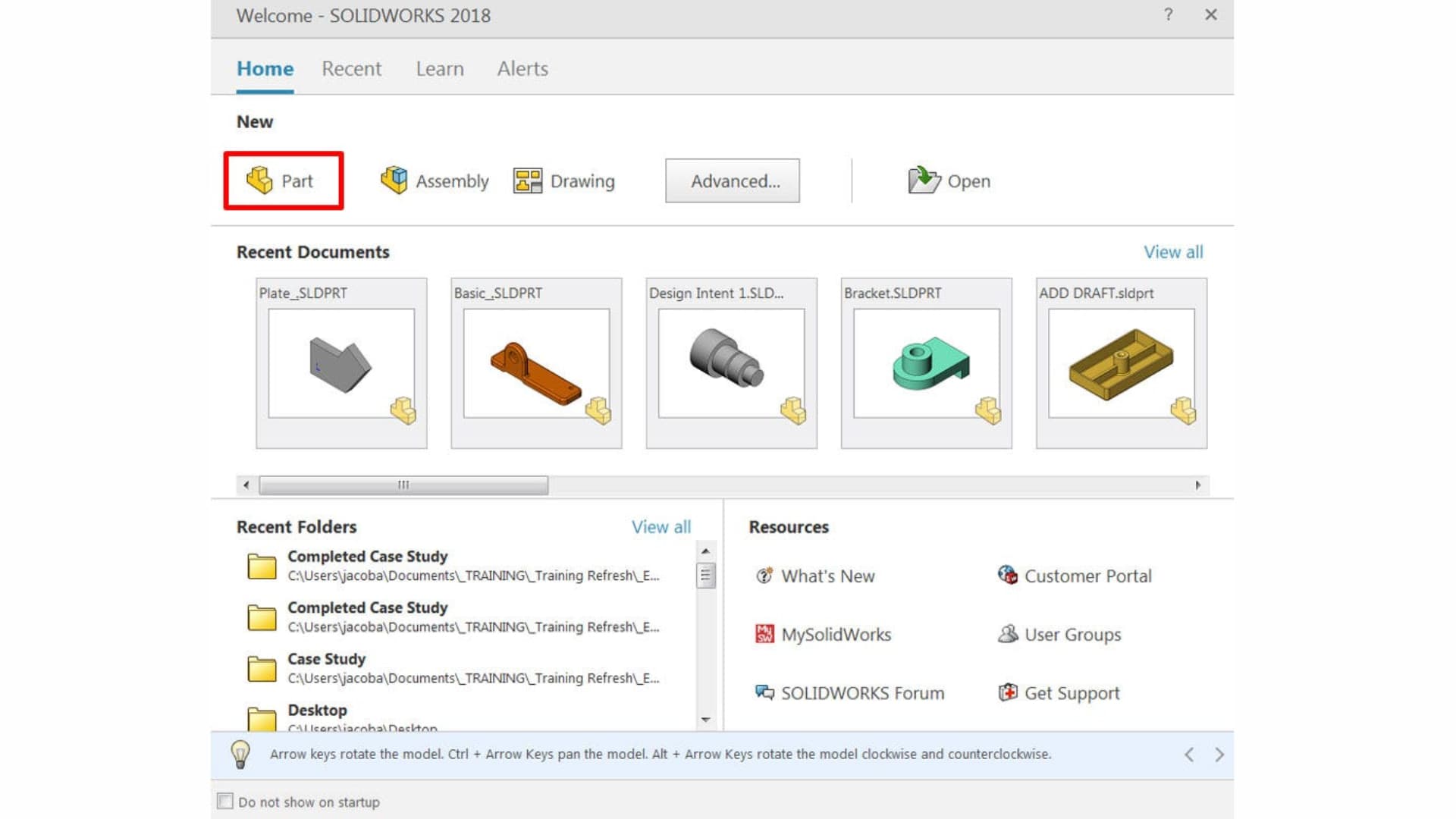
SolidWorks is a 3D computer-aided design (CAD) software widely used in mechanical, automotive, aerospace, and industrial design industries. It allows engineers to create 3D parts, assemblies, and technical drawings, simulate mechanical behavior, and visualize designs before manufacturing.
Importance of SolidWorks for Mechanical Engineers
SolidWorks is a must-learn software for DAE Mechanical students because it:
- Creates accurate 3D models and assemblies
- Generates professional technical drawings
- Simulates real-world mechanical behavior
- Saves design and production time
- Enhances job and internship opportunities
SolidWorks System Requirements
Ensure your PC meets the following requirements for smooth SolidWorks performance:
| Operating System | Windows 10 or later |
| RAM | Minimum 8 GB (16 GB recommended) |
| Processor | Intel Core i5/i7 or equivalent |
| Graphics Card | Dedicated GPU recommended |
| Storage | SSD preferred for smooth performance |
SolidWorks Interface Overview
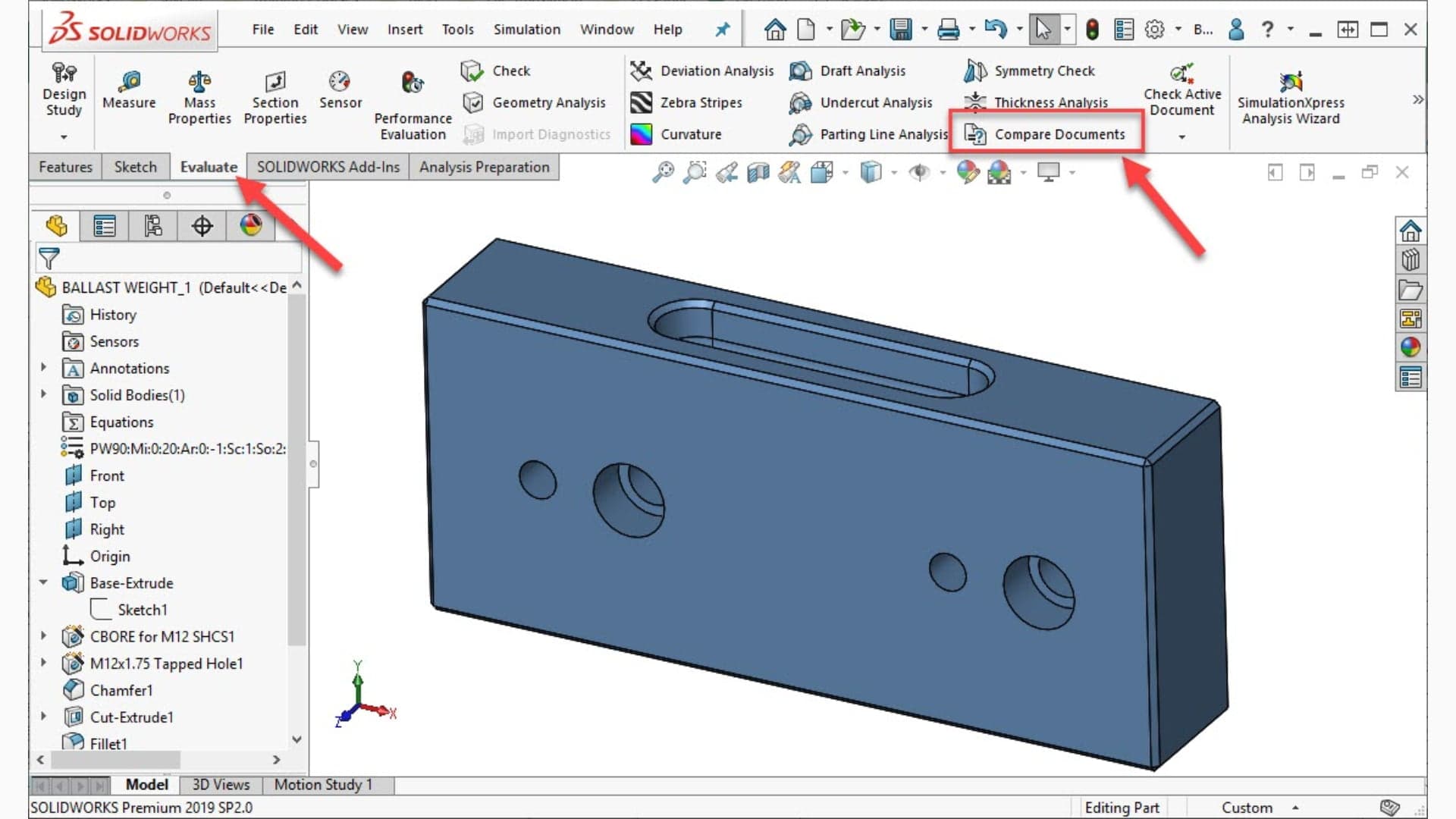
Beginners should familiarize themselves with these key interface elements:
- Feature Manager Design Tree
- Command Manager
- Graphics Area (3D workspace)
- Property Manager
- Status Bar
Basic Tools and Features in SolidWorks
Beginners should focus on mastering these essential tools:
- Sketch Tools: Line, Circle, Rectangle, Arc, Polygon
- Features: Extrude, Revolve, Fillet, Chamfer, Shell
- Assembly Tools: Mate, Insert Component
- Drawing Tools: Dimensioning, Annotation, Views
- View Controls: Zoom, Rotate, Pan
Mechanical Designs and Assemblies
SolidWorks allows students to create mechanical designs such as:
- Individual machine parts
- Assembly drawings of multiple components
- Simulations of moving parts
- Exploded views for better visualization
SolidWorks vs AutoCAD
Many beginners wonder which software is better for mechanical engineering. Here's a clear comparison:
| Feature | SolidWorks | AutoCAD |
|---|---|---|
| Type | 3D Modeling / CAD | 2D Drafting / CAD |
| Best For | Assemblies & 3D parts | Technical drawings & layouts |
| Simulation | Yes | No |
| Ease for Beginners | Moderate | Easy for 2D Drafting |
Learning Tips for SolidWorks Beginners
Beginners can follow these tips to master SolidWorks faster:
- Start with simple sketches and parts
- Practice assemblies and mates regularly
- Follow video tutorials and guides
- Use exercises from textbooks and online courses
- Apply designs to real mechanical problems
Frequently Asked Questions (FAQs)
- Is SolidWorks necessary for DAE Mechanical students?
Yes, learning SolidWorks improves drafting skills and increases job opportunities.
- Can beginners learn SolidWorks easily?
Yes, by starting with simple sketches and practicing daily, beginners can learn effectively.
- Which industries use SolidWorks in Pakistan?
SolidWorks is used in manufacturing, automotive, aerospace, and industrial design sectors.
- Is SolidWorks better than AutoCAD for mechanical design?
Both are important. AutoCAD is mainly for 2D drafting, while SolidWorks is ideal for 3D modeling and assemblies.
Conclusion — Design the Future, Build the Nation
SolidWorks is an essential tool for DAE Mechanical beginners. Learning it helps students create 3D models, assemblies, and technical drawings, preparing them for real-world applications and improving job opportunities in mechanical engineering.