
AutoCAD for Mechanical Engineering Beginners | DAE Mechanical
Learn AutoCAD step by step for mechanical engineering projects. Perfect for DAE Mechanical beginners looking to enhance design and drafting skills.
Introduction — AutoCAD for Mechanical Engineering Beginners
AutoCAD is the cornerstone of modern mechanical engineering design. From drafting machine components to creating assembly layouts, AutoCAD enables engineers to produce accurate, professional, and standardized drawings. For DAE Mechanical students and fresh beginners in Pakistan, mastering AutoCAD not only improves academic performance but also opens doors to career opportunities in mechanical, manufacturing, and industrial sectors.
This comprehensive guide provides step-by-step instructions for beginners. You will learn the essential tools, commands, and practices to create precise mechanical drawings and layouts. By the end of this guide, you’ll be confident enough to tackle real-world mechanical projects.
What is AutoCAD?
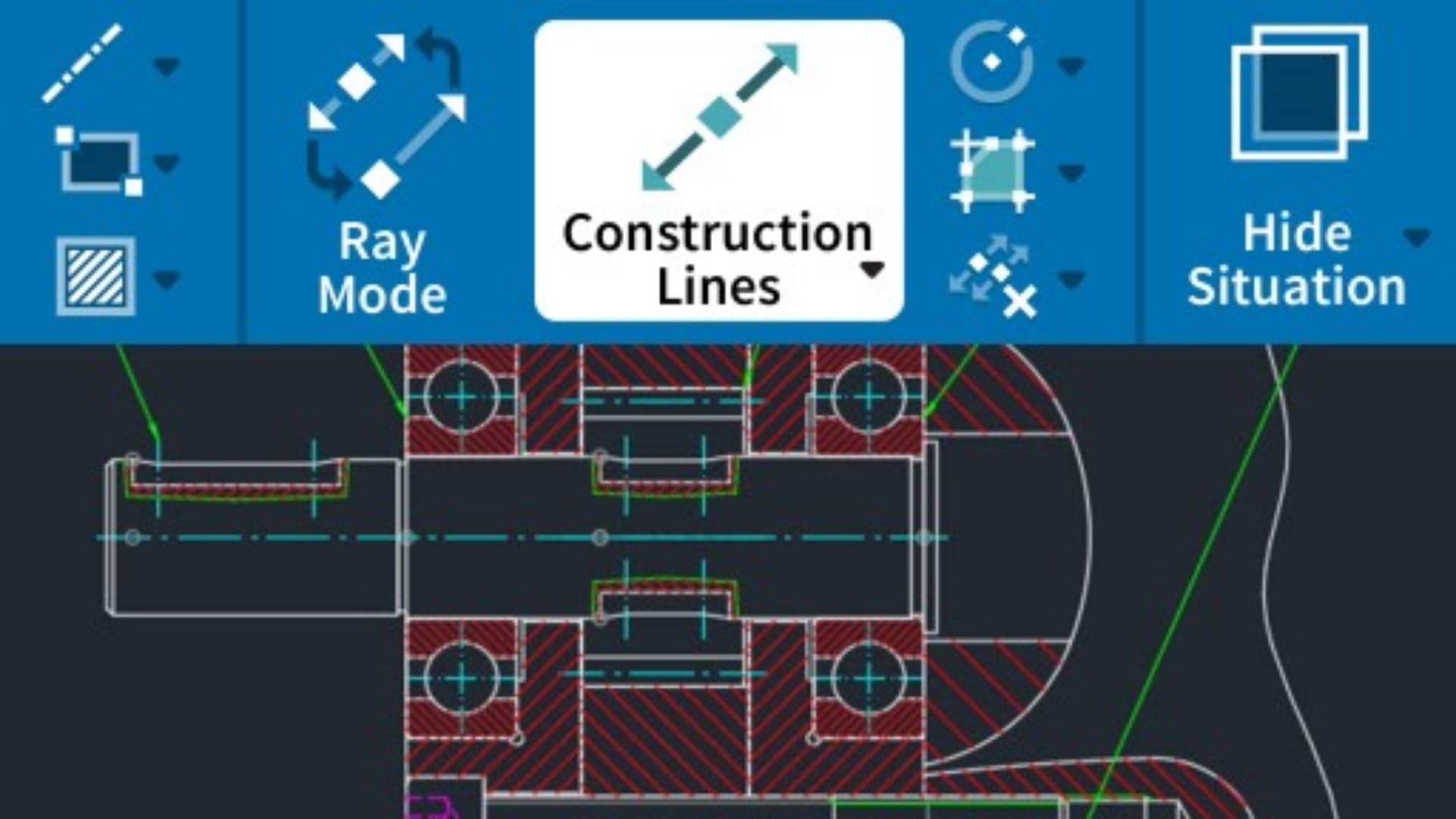
AutoCAD, developed by Autodesk, is a computer-aided design (CAD) software used globally for 2D drafting and 3D modeling. In mechanical engineering, it is essential for designing machine parts, tools, piping layouts, and fabrication drawings.
- Create detailed technical 2D mechanical drawings
- Design 3D models of machine components and assemblies
- Generate fabrication-ready drawings with precise dimensions
- Standardize designs for industrial and manufacturing use
Importance of AutoCAD for Mechanical Engineers
AutoCAD has transformed the way mechanical engineers design and document their projects. Its benefits include:
- Accuracy: Eliminates human errors in manual drafting
- Efficiency: Speeds up drawing and editing processes
- Professional Standard: Aligns with industry norms
- Career Opportunities: Skill highly demanded by employers
- 3D Modeling: Enables visualization of assemblies and parts

AutoCAD System Requirements
Before installing AutoCAD, ensure your system meets these minimum and recommended requirements:
| Component | Minimum | Recommended |
|---|---|---|
| Processor | Intel i5 / AMD Ryzen 5 | Intel i7 / AMD Ryzen 7 |
| RAM | 8 GB | 16 GB+ |
| Graphics | 2 GB DirectX 12 | 4 GB or more |
| Storage | 10 GB free | SSD with 20 GB free |
| Operating System | Windows 10 64-bit | Windows 11 64-bit |
Installation Guide
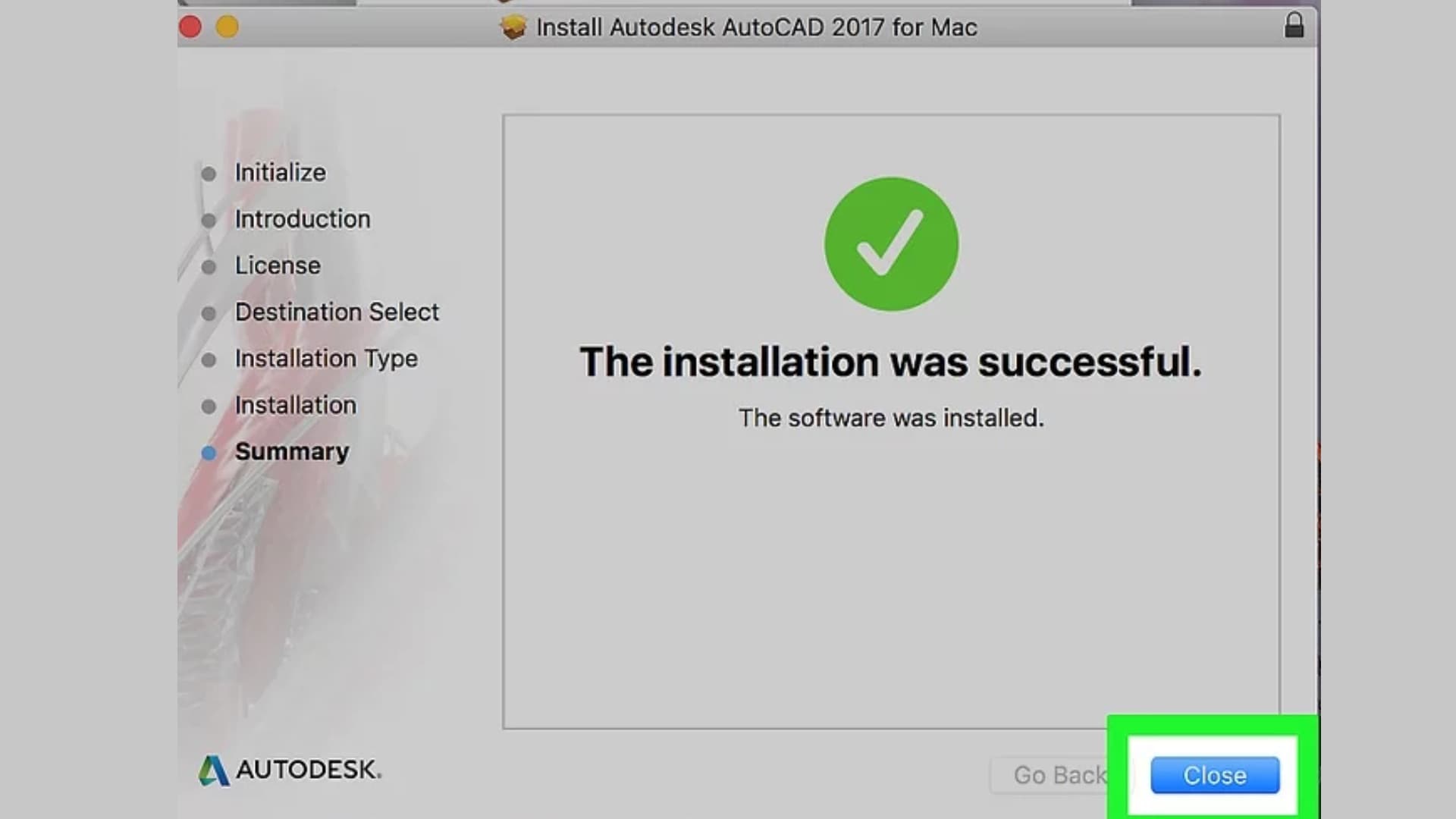
- Go to the Autodesk Education Portal.
- Sign up with your student email and verify the account.
- Select AutoCAD 2025 and download the installer.
- Run the installer as Administrator and follow the on-screen instructions.
- Sign in to activate your free student license (1-year valid).
AutoCAD Interface Overview
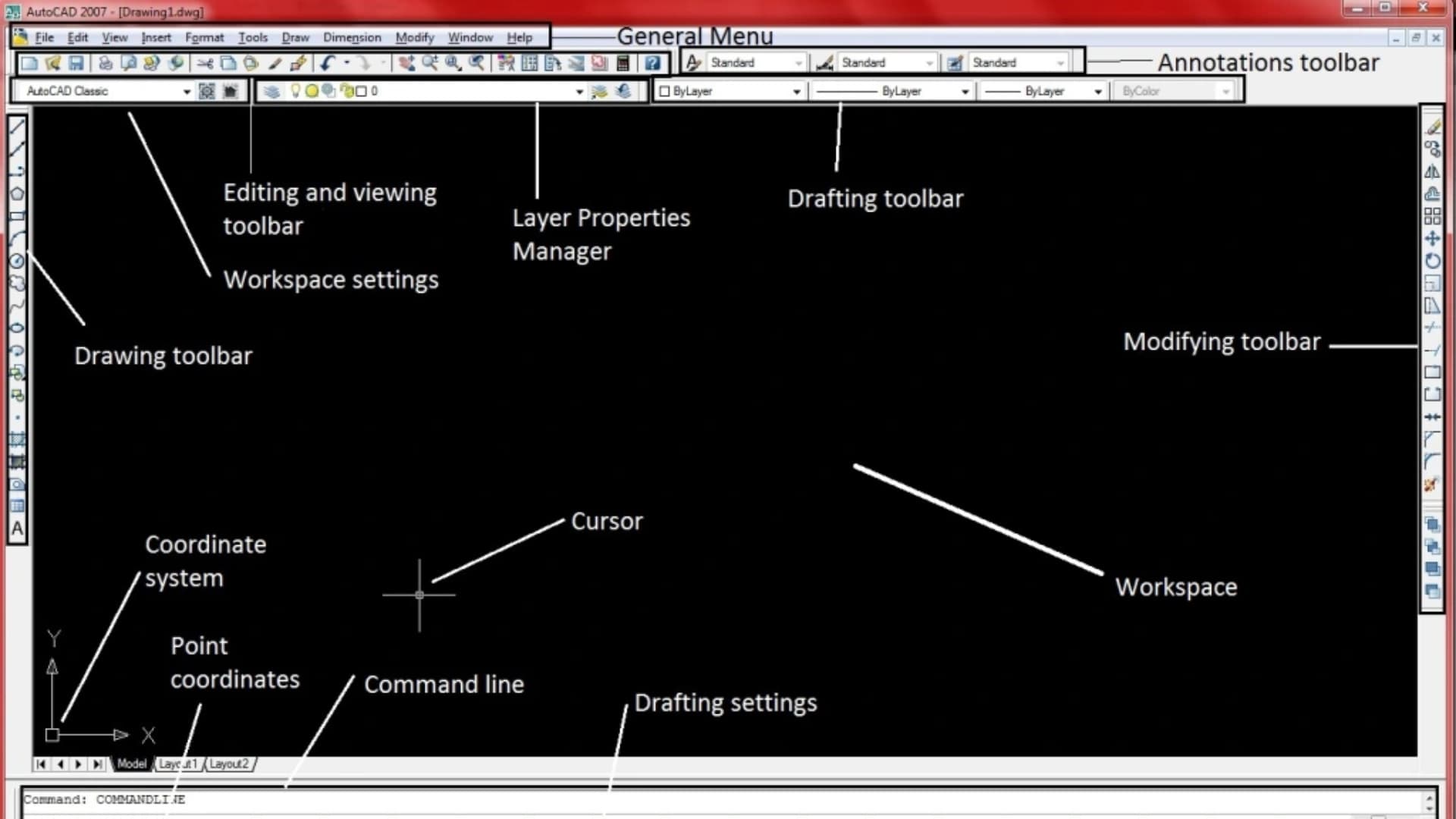
The AutoCAD interface might seem complex at first, but understanding its parts is crucial for beginners:
- Ribbon: Houses all tools for drawing, annotation, and modification
- Drawing Area: The main workspace for 2D and 3D drawings
- Command Line: Enter commands for precision control
- Navigation & Status Bars: Zoom, pan, UCS, and coordinate controls
Basic Commands for Beginners
For mechanical engineering beginners, these commands are essential:
| LINE (L) | Draw straight lines |
| CIRCLE (C) | Draw circles |
| RECTANGLE (REC) | Draw rectangles |
| TRIM (TR) | Trim unwanted parts |
| OFFSET (O) | Create parallel lines |
| DIMENSION (DIM) | Add measurements |
Mechanical Drawings in AutoCAD
Mechanical drawings include orthographic views, sectional views, assembly drawings, and exploded views. AutoCAD allows mechanical engineers to create detailed drawings of individual components with proper dimensions, tolerances, and material specifications.

Learning Tips for AutoCAD Beginners
- Practice daily with small 2D drawings
- Use shortcut commands for speed
- Organize drawings with layers
- Start with 2D before 3D modeling
- Apply knowledge to real mechanical components
Frequently Asked Questions (FAQs)
Is AutoCAD necessary for DAE Mechanical students?
Yes, it is essential for drafting, designing, and improving job prospects in mechanical engineering.
Can beginners learn AutoCAD easily?
With regular practice and understanding of basic commands, beginners can quickly become proficient.
Which AutoCAD version is best for beginners?
Any recent stable version of AutoCAD, such as 2023 or 2025, is recommended.
Is AutoCAD widely used in mechanical industries in Pakistan?
Yes, it is extensively used in manufacturing, mechanical workshops, and engineering consultancies.
Conclusion
AutoCAD for mechanical engineering beginners is a must-learn skill that lays the foundation for professional success. By mastering basic commands, drawing techniques, and mechanical drafting practices, beginners can create precise 2D and 3D models, improve academic projects, and enhance career opportunities.
Start practicing today, explore mechanical drawings, and gradually move to advanced 3D modeling. Every drawing you complete strengthens your design skills and prepares you for real-world engineering projects.